How do I sell gift cards online?
In Gift cards create a card manually or turn on online sales with card payment. Customers redeem the code when booking and the balance is deducted automatically (Professional plan and up).
How to do it
- Open Gift cards and set the default validity.
- To sell online, turn on online sales and connect Stripe for card payments. Your booking page then links to the sale page.
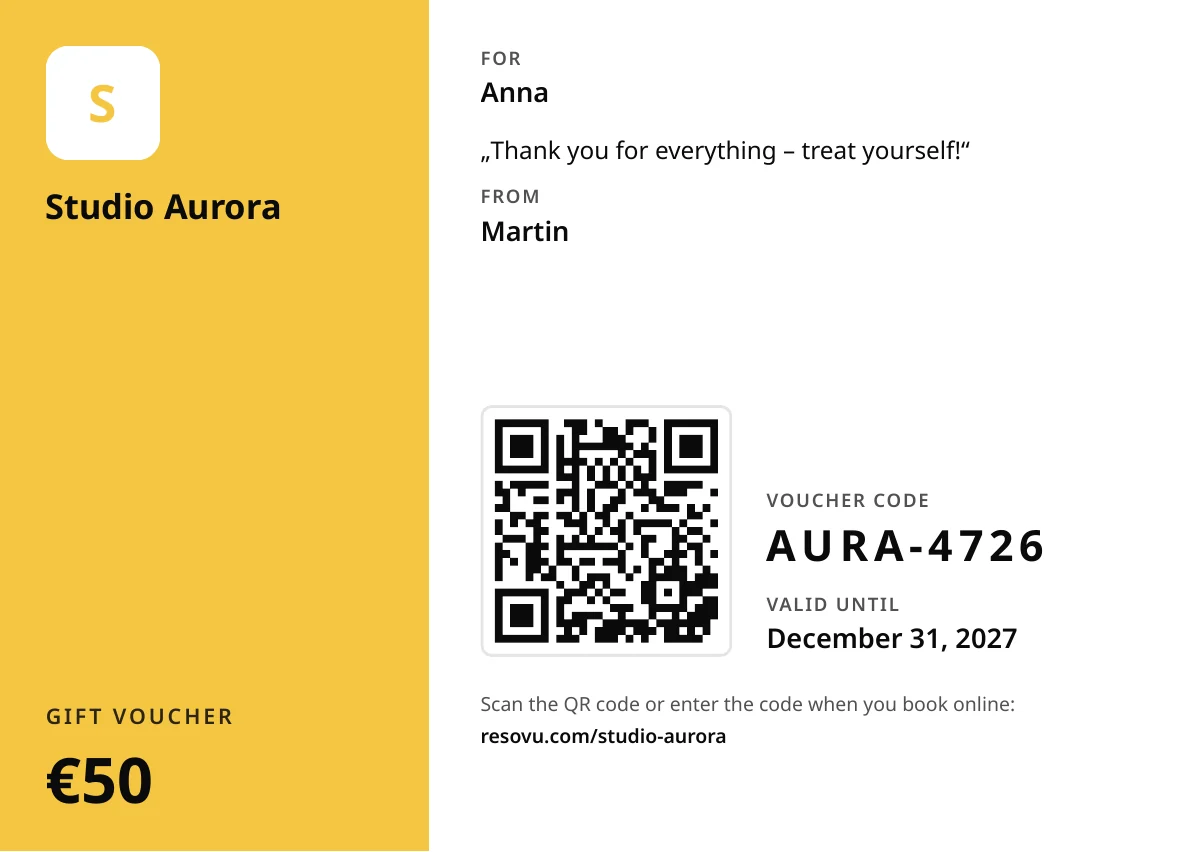
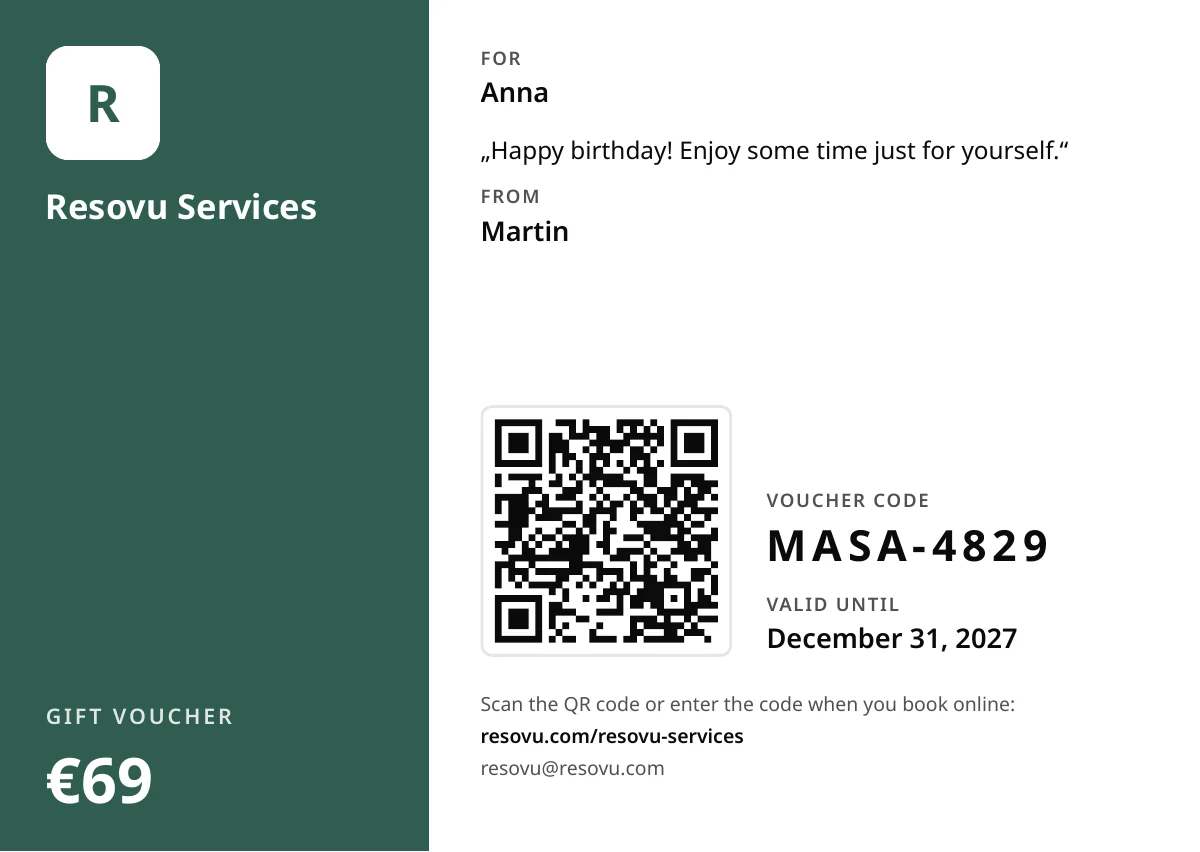
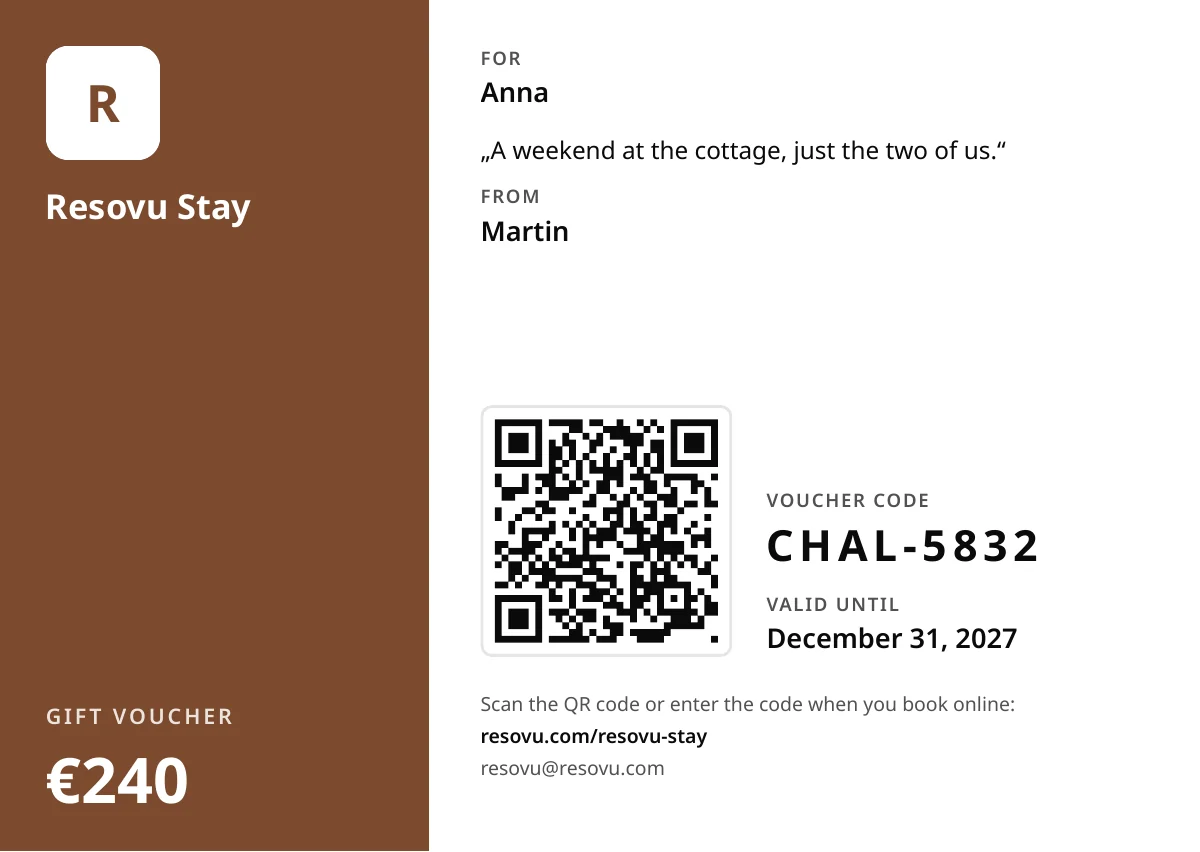
- After payment the voucher arrives by e-mail with a link to a printable A6 PDF in your colours and with your logo – with a QR code, the code and the validity.
- Selling at the counter? Create a card manually and print the voucher from the list.
- The holder scans the QR code (booking opens with the code filled in) or types the code when booking; the balance is deducted automatically. For a visit paid in person, adjust the balance in the card detail.
Tips and common mistakes
- Holders get reminders 30, 7 and 1 day before expiry; you can turn them off in the gift card settings.
- Any rest of the value stays on the card – customers see the balance in the customer portal.
- Gift cards are available from the Professional plan; for accommodation in the Accommodation Professional plan.
Why it matters
Gift cards bring revenue up front and new customers who received you as a present.
Learn more on resovu.com
Where to find it in Resovu
Related
Didn't find the answer?
Write to us via Support in the admin or at resovu@resovu.com.
Contact support